
Official Kling 2.6 Audio-Visual Showcase
The official demo from Kling. showing native audio plus video generation in action.
Source. Kling AI official release. December 2025
Kling Slide Deck
Every key feature. spec. and upgrade. visualised in one clean deck.
All images generated live using Kling 2.6 plus Kimi Slides
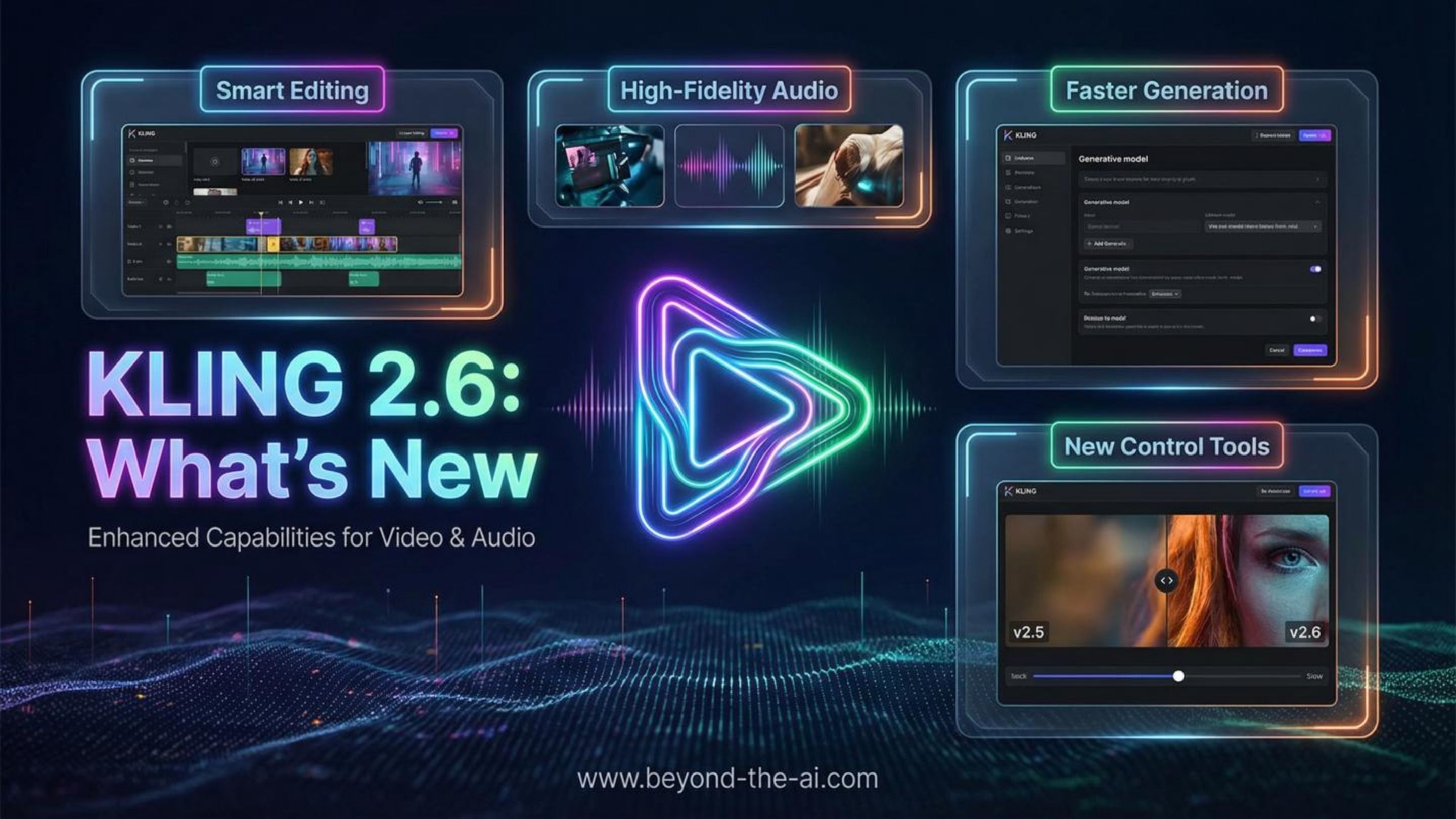
KLING 2.6: A Talkies Moment for AI Video?
The AI video landscape has been moving incredibly fast this year (like really fast). Models like Google’s Veo 3 and OpenAI’s Sora have already stepped into native audio territory, proving that synced dialogue, effects, and ambience can be generated alongside visuals in one go.
But until now, getting that kind of audio-visual magic usually meant paying premium prices or waiting in limited-access queues. Earlier tools (Runway, Luma, Pika, and even previous Kling versions) still left most creators stuck with stunning silent clips. Anything with talking characters or proper scene sound required the usual multi-step faffing: generate the video, source or make the audio elsewhere, then spend time faffing with lip-sync and layering effects.
The end result could look decent, but it rarely felt truly natural without a ton of extra work. Timing would drift, lip sync needed constant tweaks, and ambient sounds often felt bolted on rather than part of the moment.
Kling 2.6 flips that script. It brings full native audio generation straight into both text-to-video and image-to-video workflows, at a price that’s way more accessible than the big frontier models. Dialogue, narration, sound effects, and background ambience now come out together with the visuals in a single pass, giving you clips where characters actually speak convincingly, movements groove to the rhythm, and every sound feels like it belongs.
That combination of capable native audio and realistic pricing is why Kling 2.6 feels like a proper turning point for a lot of creators. It doesn’t just chase the bleeding edge. It makes immersive, audio-rich video something you can actually use day-to-day, right from your prompt.
What Native Audio Actually Means in Kling 2.6
Basically, the sound isn’t something you tack on later. It’s baked in from the start. The model generates the visuals and the audio at the same time, in one single pass, so everything is designed to fit together from the ground up.
That might sound obvious now that the big players are doing it, but in practice it makes a huge difference. Clips come out feeling way more finished straight away. When it lands well, the timing just clicks and the whole thing actually feels like a real moment instead of layers stuck together.
One Pass, Everything Synced
No separate audio track to line up. No lip-sync plugins. No generic ambience loop dropped on top. It all comes out together.
- ✓Lip sync that can feel properly human. Mouth shapes follow the words convincingly, without that weird rubbery drift you get when it’s patched in later.
- ✓Sound effects and ambience that belong to the scene. Prompt a busy café and you might actually hear cups clinking, quiet chatter, steam hisses, chairs scraping. Not just some stock loop.
- ✓Real performance vibes. Singing, rap, emotional delivery. When it works, the head nods, facial expressions, and body movement stay locked to the beat or emotion instead of wandering off after a second.
How a Typical Scene Comes Together
A cyberpunk detective speaking into a recorder. heavy rain on neon-lit windows. Dialogue. "the city never sleeps and neither do i."
[Video] Lips match every syllable. Head tilts on the emphasis.
[Audio] Gritty, tired voice with natural room reverb.
[Ambience] Rain intensity rises and falls with the line.
[Background] Faint traffic hum and neon buzz in the pauses.
The magic isn’t any one piece. It’s that everything feels like it was recorded in the same room, at the same time.
Where Kling 2.6 Still Trips Up
Look, native audio is a big win, but it's not perfect yet. When you're actually churning out clips, you'll hit some frustrating moments.
- Lip sync can be inconsistent.One take it's spot-on and feels real. Next one it's off by a frame or two and suddenly looks weird. Very prompt-dependent.
- Lines sometimes get chopped at the end.You get a near-perfect clip... and then the last word just vanishes. Instant reroll.
- Tricky words or acronyms can mangle."AI" coming out as "ay-eye" or weird slur. Pro tip: spell it out as "artificial intelligence" and it usually behaves.
- Singing or rap can lose the beat.You might get a killer verse synced perfectly... then halfway through the rhythm drifts and it falls apart, especially if the camera's moving a lot.
Still, the big shift is real. Having audio baked in from the start saves so much faffing in post, even with these quirks. Most days, the wins outweigh the rerolls.
The Visual Side Still Counts (A Lot)
Yeah, native audio is the big headline here, but let’s not forget, the underlying video model has to be solid too. Kling 2.6 definitely moves the needle on quality and stability, even if it’s not perfect yet.
Default resolution
Everything comes out in proper 1080p, so faces, textures, clothing details, and even on-screen text look sharp enough for real social posts or client work.
Clip length
You can generate 5-second or 10-second clips natively. Then extend the ones you like while the model tries to keep characters and scenes consistent.
Start from text or image
Kick off with a text prompt or upload a still frame. Either way, motion, camera work, and now the full soundscape get built together.
Motion, physics, and stability
It’s not flawless, but Kling 2.6 is noticeably better than earlier versions at keeping things coherent.
- · Cloth, hair, and fabric move way more naturally now.
- · Liquids don’t look like weird melting goo as often.
- · Frame-to-frame flicker and morphing is toned down on most shots.
Lighting and camera moves
Camera pans, zooms, and lighting hold together better than before. You’ll still spot the odd glitch, but the really jarring stuff is rarer.
- · Shadows usually stick to the right objects.
- · Reflections in glass or water track properly more often.
- · Overall lighting feels more consistent across the clip.
The Two Main Modes in Kling 2.6
Kling gives you two core ways to generate clips. Each has its own strengths, and you’ll probably switch between them depending on the project.
Text-to-Video (T2V)
You start with nothing but a text prompt. Ideal when you're exploring ideas, testing styles, or just need something quick and creative.
- · Lightning-fast iteration
- · Perfect for wild concepts and mood experiments
- · Faces and characters can vary a lot between generations
Image-to-Video (I2V) with References
You feed in a starting image (or reference photos). Best when you need consistent characters, specific likenesses, or continuity across multiple clips.
- · Much stronger control over appearance and identity
- · Great for storytelling or series of related shots
- · Requires a little extra setup upfront
Quick tip: start with T2V to find a look you love, then switch to I2V with a good frame from that clip to lock it in for the rest of your project.
How Kling 2.6 Stacks Up Right Now
Look, the top models are all pushing native audio these days. Veo 3, Sora 2, and Runway’s latest all do it too. The difference? Kling lets you actually use it without insane credits or waitlists.
Kling 2.6
Solid native audio + video in one go. 1080p, 10-second clips, affordable credits, open to everyone.
Veo 3
Often the best-looking results and longest clips. Native audio is excellent. But pricey and/or hard to get consistent access.
Sora 2
Frontier-level visuals and audio. Can be the cleanest “it just works” output when you have access. But not the most practical for high-volume day-to-day runs.
Runway (latest)
Amazing motion control and editing tools. Native audio added recently. High quality, but you pay for it.
No single tool wins everything. If you want strong audio-visual clips you can actually generate a bunch of without going broke, Kling is currently the most practical choice for most people.
Who’s Actually Getting the Most Out of Kling 2.6
It’s not for everyone (nothing is), but if you’re in one of these spots, the native audio + affordable credits combo hits different.
Social & short-form creators
Perfect 10-second hooks, reactions, talking heads, quick product demos. All with synced voice and sound, no studio needed.
Indie filmmakers & pre-vis
Block out scenes with proper dialogue, camera moves, and ambience. Not final pixel-perfect renders, but killer for testing pacing and tone fast.
Performance marketers
Bang out twenty different ad hooks in an afternoon. Native audio means way less faffing in post when testing tones and scripts.
Faceless YouTube / automation channels
Ditch slideshows and stock footage. Now you get actual characters, smooth motion, and built-in narration in one pipeline.
Game devs & world builders
Quick cutscenes, lore drops, atmosphere tests. Baked-in ambience and dialogue help you feel the vibe early without hiring voice actors yet.
Anyone on a budget
You get solid native audio-visual clips without burning hundreds of dollars on credits like the frontier models. Volume matters.
How to Prompt Kling 2.6 Like a Pro
With native audio in the mix, prompting feels more like directing a mini-scene than just describing a picture. You’re telling the model what’s happening, who’s there, what they say, and what the place sounds like.
Old-school (visual only)
Cinematic shot of a wolf howling on a cliff edge under a full moon. Photorealistic style.
New way (audio included)
Cinematic shot of a lone wolf on a cliff edge howling at the full moon.
Audio: deep, haunting howl that echoes across the valley. Wind whistling through pine trees. Distant thunder rumbling.
Atmosphere: cold, lonely night with slight reverb on the howl.
A dead-simple structure that just works
- Scene where it’s happening
- Action what’s going on
- Character who’s there and how they look/act
- Dialogue / Sound what they say, plus effects and ambience
Scene. Dim kitchen at night, single overhead bulb.
Action. Person opens fridge, stares inside, pauses, closes it slowly.
Character. Tired guy in hoodie, talking straight to camera.
Dialogue. "i'm not hungry. i'm just... checking."
Sound. Fridge hum, soft footsteps on tile, faint traffic outside, quiet mic rustle.
Multi-character chats. Label your speakers
Treat it like a light script. Tag who’s talking every time so the model doesn’t get confused.
[Host, warm voice] Welcome back everyone.
[Guest] leans forward excitedly.
[Guest, hyped voice] I finally got it working!
[Host] nods and smiles.
[Host, calm] Tell us more.
Keep dialogue short for the clip length
A long paragraph in a 5-second clip will either rush or get cut off. Give it breathing room.
- · 5 seconds. one short line
- · 10 seconds. two lines or one longer one with natural pauses
- · Want more? Generate 10s and trim later
Quick habits that save you rerolls
- · Write dialogue in lowercase (feels more natural to the model).
- · Stay focused. One clear idea beats a wall of text every time.
- · Link words to visible actions when possible (helps sync timing).
- · If a word keeps sounding weird, rephrase it instead of repeating.
- · Near the word limit? Shorten the line or expect a cutoff.
Stuff People Keep Asking About Kling 2.6
Is Kling 2.6 free, or do I need to pay?
It runs on credits. You get a decent amount of free ones to play with, but once you start cranking out clips with native audio, you'll burn through them quick. Expect to top up or grab a subscription if you're doing any real volume.
Which languages actually work well for lip sync?
English and Chinese are the strongest right now. The model is tuned hardest for those. Other languages work, but lip sync can get a bit wobbly and sometimes it quietly translates stuff to English under the hood.
Can I use my own voice recording instead of text?
Yep. Kling lets you upload an audio track and drive the face/lips off that. It's solid. But the real magic in 2.6 is going full text-to-voice-to-video in one shot.
How long do generations actually take?
Since it's doing both video and audio at once, it's slower than pure visual models. A short clip usually lands in 3-6 minutes, but it can stretch longer when the servers are busy. Patience required.
Kling 2.6 Pricing and Credits (Updated December 2025)
Subscription Plans
- Basic (Free). $0/month. 66 credits/day. Great for testing and low-resolution workflows.
- Standard. $6.99/month. 660 credits/month. No watermark. Faster queues than Free tier.
- Pro. $25.99/month. 3,000 credits/month. Includes Video 2.6 generation and priority access.
- Premier. $64.99/month. 8,000 credits/month. Native audio generation plus faster rendering.
- Ultra (New). $127.99/month. 26,000 credits/month. Maximum speed, premium queue priority, and access to all Kling models.
Pay-as-you-go credits typically cost $0.07 to $0.10 each.
⚡ December 2025 Promo. Many video modes are temporarily 50% off.
| Mode | 5s | 10s |
|---|---|---|
| Video Only (Standard) | 15 credits | 30 credits |
| Video plus Audio (High Quality) | 35 credits | 70 credits |
Limited-time holiday discount. Many generation modes are 50% off until mid-December 2025.
So, is Kling 2.6 actually a Talkies moment?
Yeah, it kinda is. Not because every clip comes out flawless (it can be hit and miss). But because native audio finally feels reachable for normal people instead of just the big labs with deep pockets.
Veo 3 and Sora showed us it's possible at the absolute bleeding edge. Kling 2.6 brings a solid version of that same idea to a platform where you can actually generate a bunch of clips without selling a kidney on credits. The lip sync isn't always perfect, you'll get some cutoffs, and you'll reroll a fair bit. But when it hits, the whole thing just feels alive in a way silent clips never did.
If you're making short-form content, ads, faceless videos, or just experimenting a ton, this is probably the most practical tool out there right now. The higher tiers give you basically unlimited runs if you can swing the cost, and honestly, if it fits your workflow, it's worth it.
Independent take. We're not affiliated with Kling. Just calling it like we see it.